Client Invites for External Accounts
Instructions
We offer Advisors and Brokers the ability to send an email to clients providing instructions on how to link their external accounts to their IBKR accounts. This will allow you to aggregate client accounts in PortfolioAnalyst. To use this tool, please follow the steps outlined below.
-
Click Menu in the top left corner > PortfolioAnalyst.
-
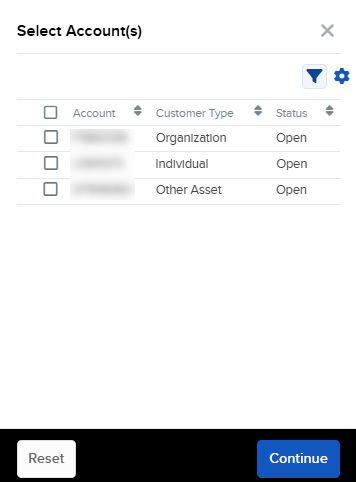
If you manage one or more client accounts, use the account selector to select the account(s) you want to view.
-
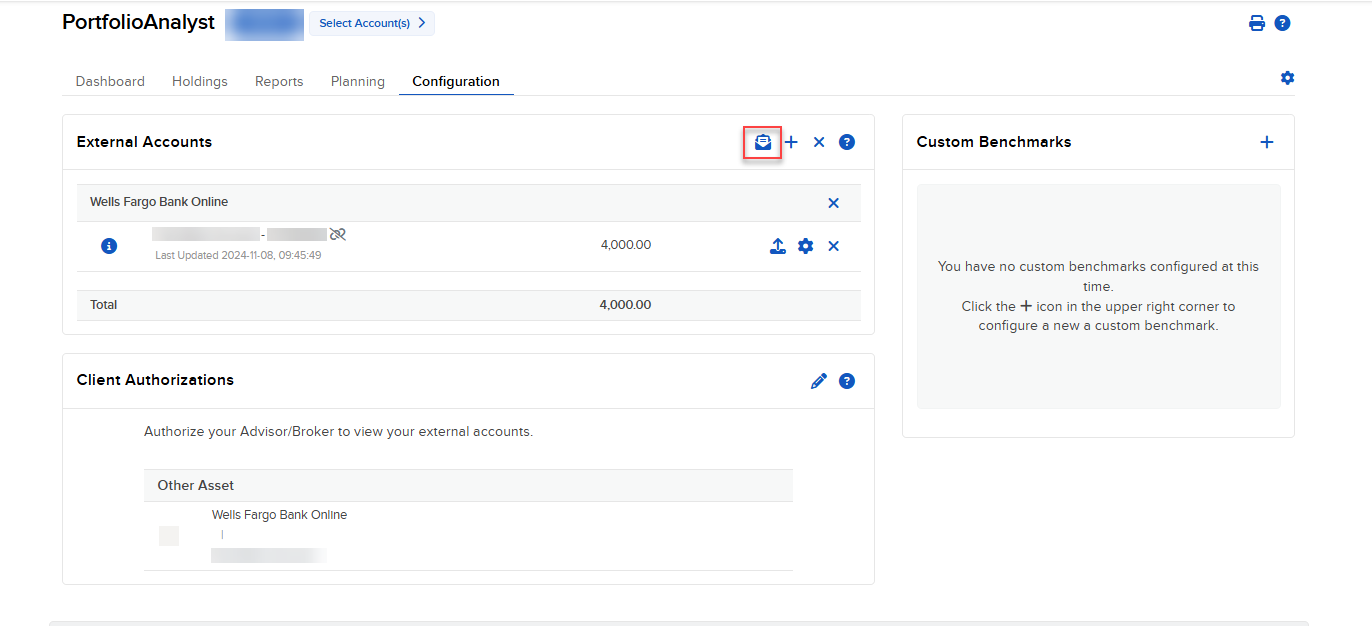
Click the Configuration tab and select the Client Invite icon in the top right corner of the External Accounts panel.
-
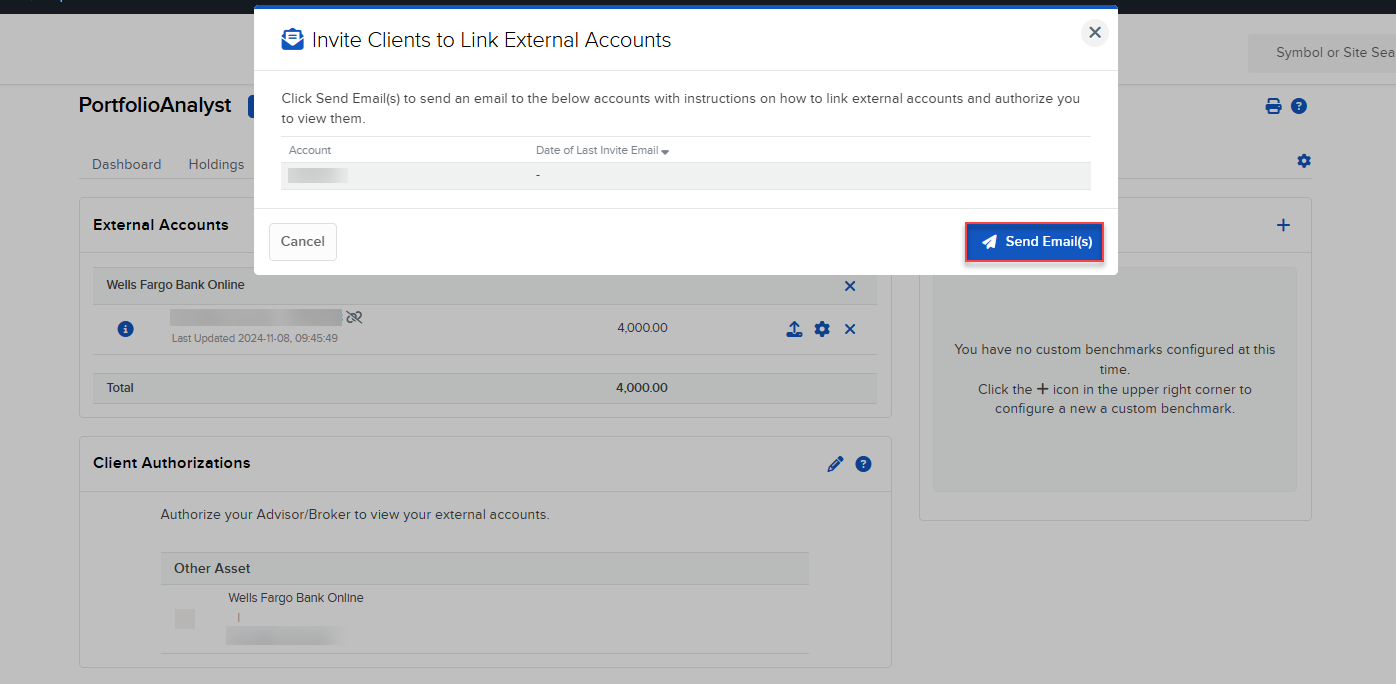
Click the Send Emails button to send an email to the listed client with instructions on how to link external accounts and authorize you to view them.
-
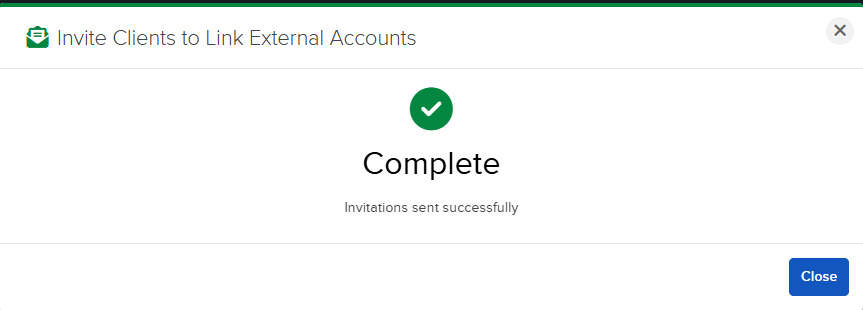
A confirmation pop-up will appear. Click Close.