Create Invoices
Instructions
- Click Menu in the top left corner and select Administration & Tools > Fees & Invoicing > Invoicing.
- Click the Create "+" icon to create a new invoice.
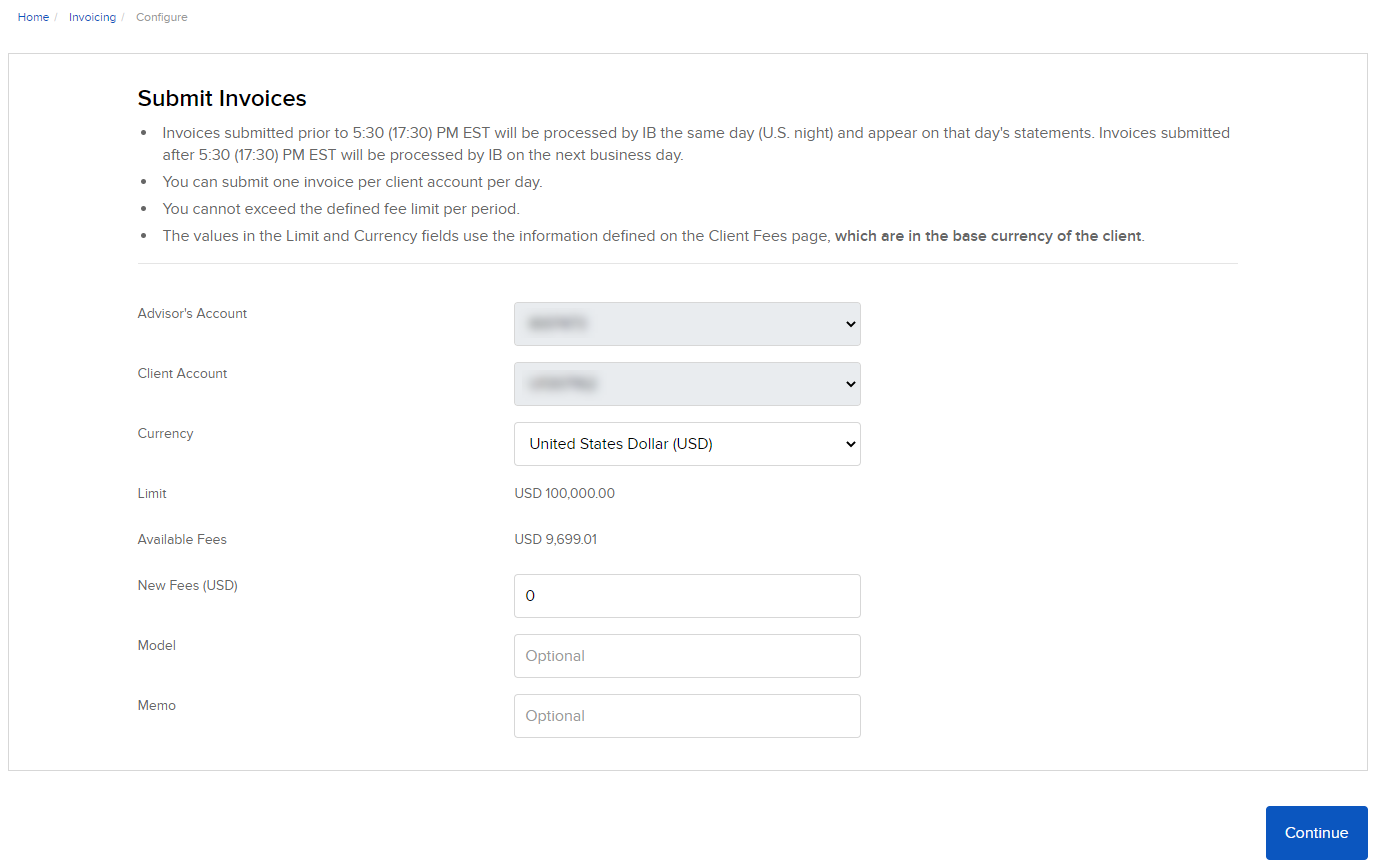
- Enter New Fees.
- (Optional) Enter a Model.
- (Optional) Enter a Memo associated with this invoice.
- Click Continue.
- The Review Invoice page opens.
- Click Continue.
- The invoice is complete. Click OK.