Security Officer Approvals
Instructions
As an added layer of security, institution accounts and organizations can require that any changes made by one Security Officer be approved by one or two other Security Officers. These are called Additional Security Officer Approvals.
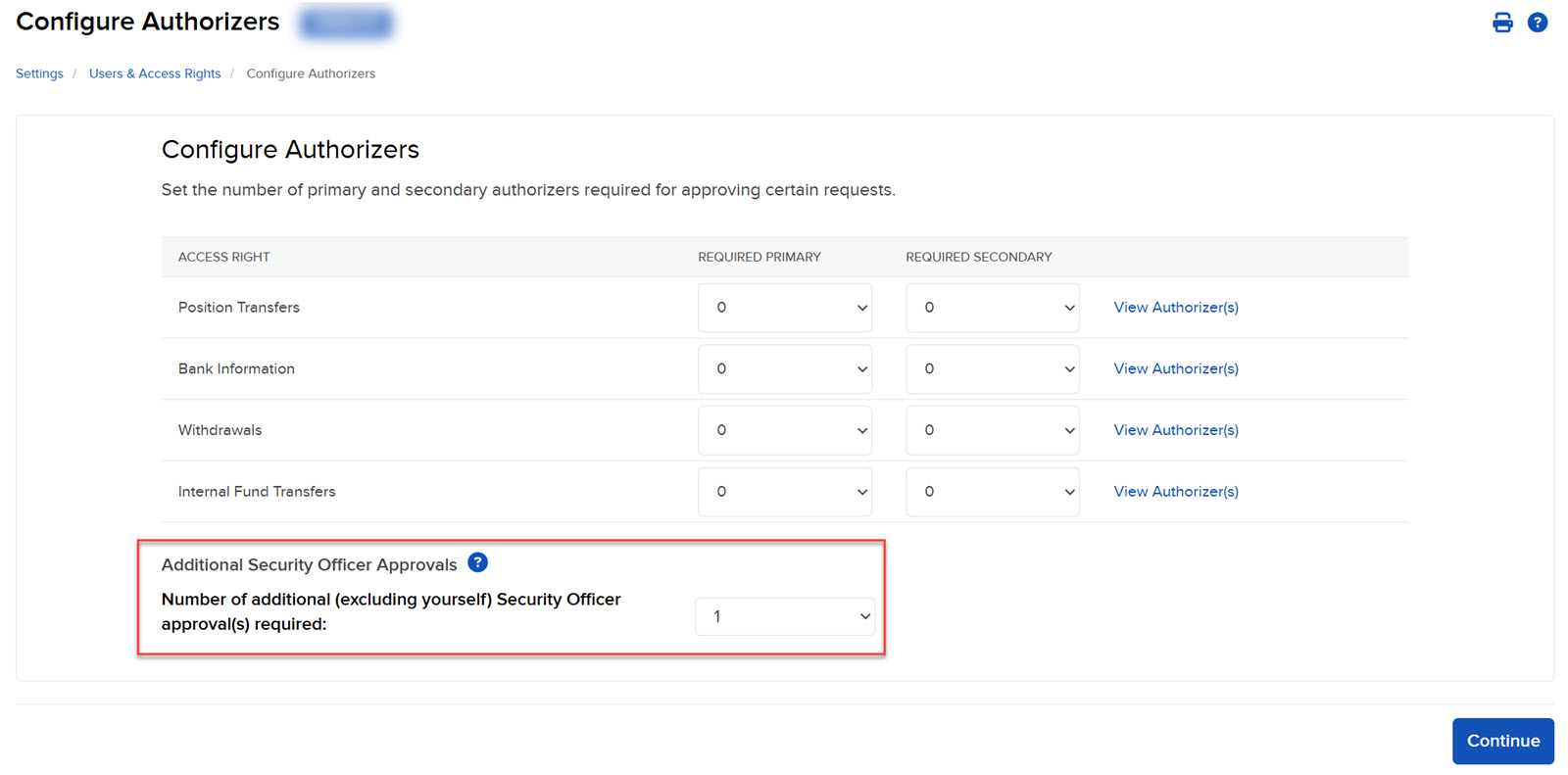
The Additional Security Officer Approvals panel show the current number of Security Officer approvals needed by your account. To change this number, you must download, complete and submit a form.
- Click the User menu (head and shoulders icon on the top right corner) > Settings > User & Access Rights.
- The Additional Security Officer Approvals panel shows the current number of additional Security Officer approvals that your account requires. Remember, this is the number of Security Officer approvals that are required to approve changes made by another Security Officer.